Manage your swim club: fast, consistent, data-driven.
The free Lapsly system streamlines day-to-day work for coordinators, coaches, and athletes: training logs and attendance, tests and time trials, meet results, rankings, athlete comparisons, and reports — no spreadsheets, no chaos, full history.
Our numbers
clubs
athletes
results
meets
Before: spreadsheets, notes, scattered data
- Trainings saved in multiple places, inconsistent format, no history.
- Attendance counted manually — no quick month view or trends.
- Meet results in files or external services — hard to compare and filter.
- No reports: distances by stroke, workload, progress, PBs in one place.
After: Lapsly as your club command center
- One database of athletes, coaches, and parents with role-based access.
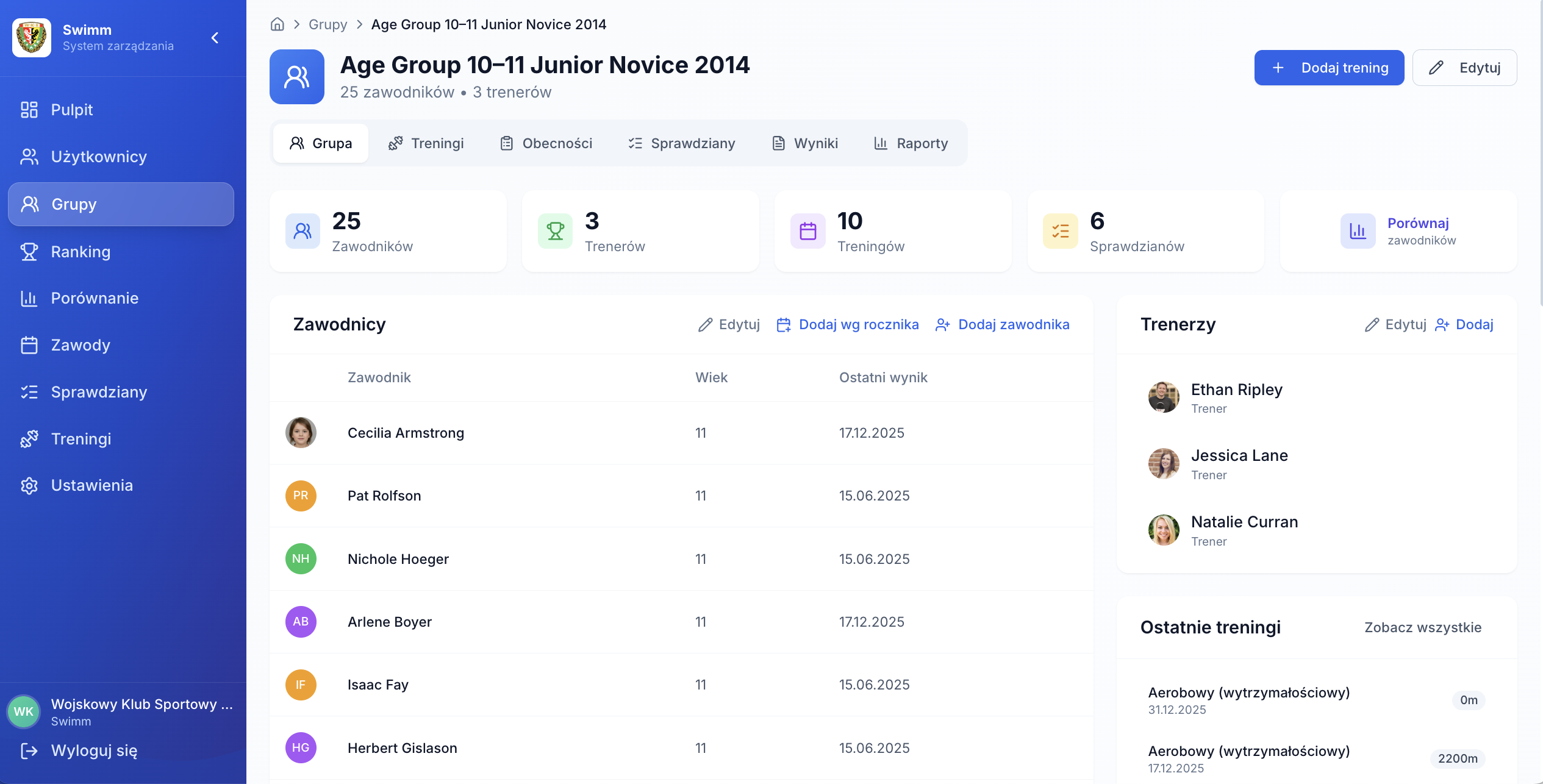
- Trainings with type, time of day, stroke distances, and attendance list.
- Time and distance tests (T-10/T-12/T-20/T-30) with progress history.
- Results and events with LENEX import (LXF/LEF/XML), rankings, and comparisons.
- Training and results reports + CSV/Excel/PDF export when needed.
Modules that get real work done
Lapsly is not a generic CRM. It is built around how a swim club actually works — from training and attendance to tests, results, and meets.
Training + attendance
Log group trainings with type, time of day, and stroke distances. Mark attendance and come back to history whenever you need — without digging through files.
- Training type (aerobic, technique, strength…)
- Distance by stroke: free / back / breast / fly / IM
- Attendance list + absences
Tests and time trials
Capture time and distance test results in one place. Compare progress over time and build a true performance picture based on data, not memory.
- Time trials: stroke + pool + times
- Distance tests: T-10 / T-12 / T-20 / T-30
- Result history and easy summaries
Results, rankings, meets
Create club events or import meets from LENEX files. Browse races, results, and rankings, filter by stroke, pool, group, and time.
- LENEX import: LXF / LEF / XML
- Ranking with filters + points
- Compare 2–6 athletes (personal bests)
How Lapsly works in 4 steps
You onboard quickly, and then the system works like your club’s memory: it collects data from trainings, tests, and meets and turns them into reports.
Set up club structure
Add coaches, athletes, and parents, create training groups, and assign roles. Everyone sees what they should.
Log trainings
Training type, time of day, distances by stroke, notes, and attendance. One minute after training keeps everything clean.
Add tests
Time and distance tests (T-10/T-12/T-20/T-30) build performance history you can compare.
Analyze and report
Rankings, athlete comparisons, training and results reports, plus LENEX import — everything connects.
Who Lapsly is for
One platform, different roles — each role gets the view matched to their work and responsibility.
Clubs
Order in data, consistent history, and reports — easier management for the whole organization, not just training.
Coaches
Quick post-training entries, attendance, workload, tests, and performance summaries — no manual counting.
Sport directors
A bird’s-eye view: rankings, progress, distance and activity reports — decisions built on data.
Parents and athletes
Transparent history, results, and progress. Parents see their child, coaches see their groups.
See Lapsly on your club’s real data
We’ll show the full flow: training → attendance → test → meet results (LENEX) → ranking → report. No fluff — only what helps in day-to-day work.
What you’ll see in the demo
- Add training with distances and attendance
- Time and distance tests (T-10/T-12/T-20/T-30)
- LENEX meet import and event analysis
- Ranking + compare 2–6 athletes + reports